Pitly support chat
How to write to the Pitly team from the website and from the dashboard and how the reply arrives.
Pitly support answers in a chat — separate from the company's chat with clients. There are two ways to write.
From the dashboard
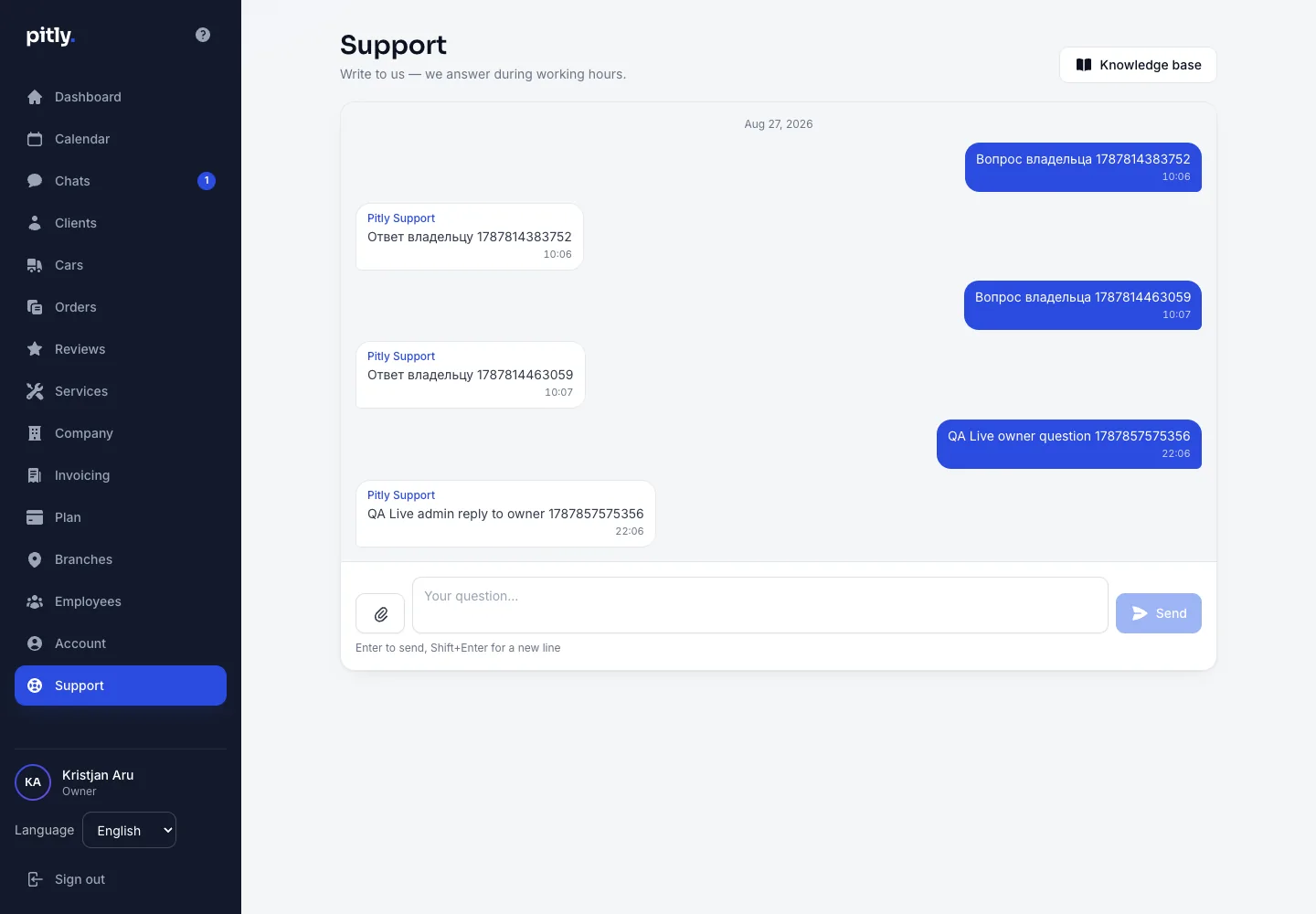
The "Support" item in the left menu is available to every role — owner, manager and master. Each user has one conversation: type the question in the field at the bottom and press "Send" (Enter sends, Shift+Enter adds a line). The reply appears in the same conversation, and the menu item shows a badge with the number of unread replies.
The Pitly team sees which company you are from and which language you write in — no need to describe that. Useful to include: what you did, what you expected and what you saw; the order number or client name if they are involved.
A closed conversation reopens with a new message.
Files and photographs
The paperclip left of the field adds one file to a message; a caption is optional — the file is the message. A second file goes as a second message.
Screenshots and photographs (JPEG, PNG, WebP), PDF, plain text and CSV are accepted, up to 10 MB. Archives and office documents are not: they do not help describe a problem, and one support inbox must not become a delivery route for files between strangers. Photographs have the shooting coordinates and the camera model stripped out — a picture from your phone will not tell support where you live.
Pictures are shown in the thread; everything else downloads. The files sit behind the same access check as the conversation itself: somebody else's link will not open.
Automatic messages
When a conversation opens, a confirmation that the message arrived appears in it at once — so a question is never left in silence. When an agent closes the conversation, a notice says so and reminds you that a new message reopens it. Both are written in the language of the conversation and are marked as automatic: there is no person behind them.
From the website
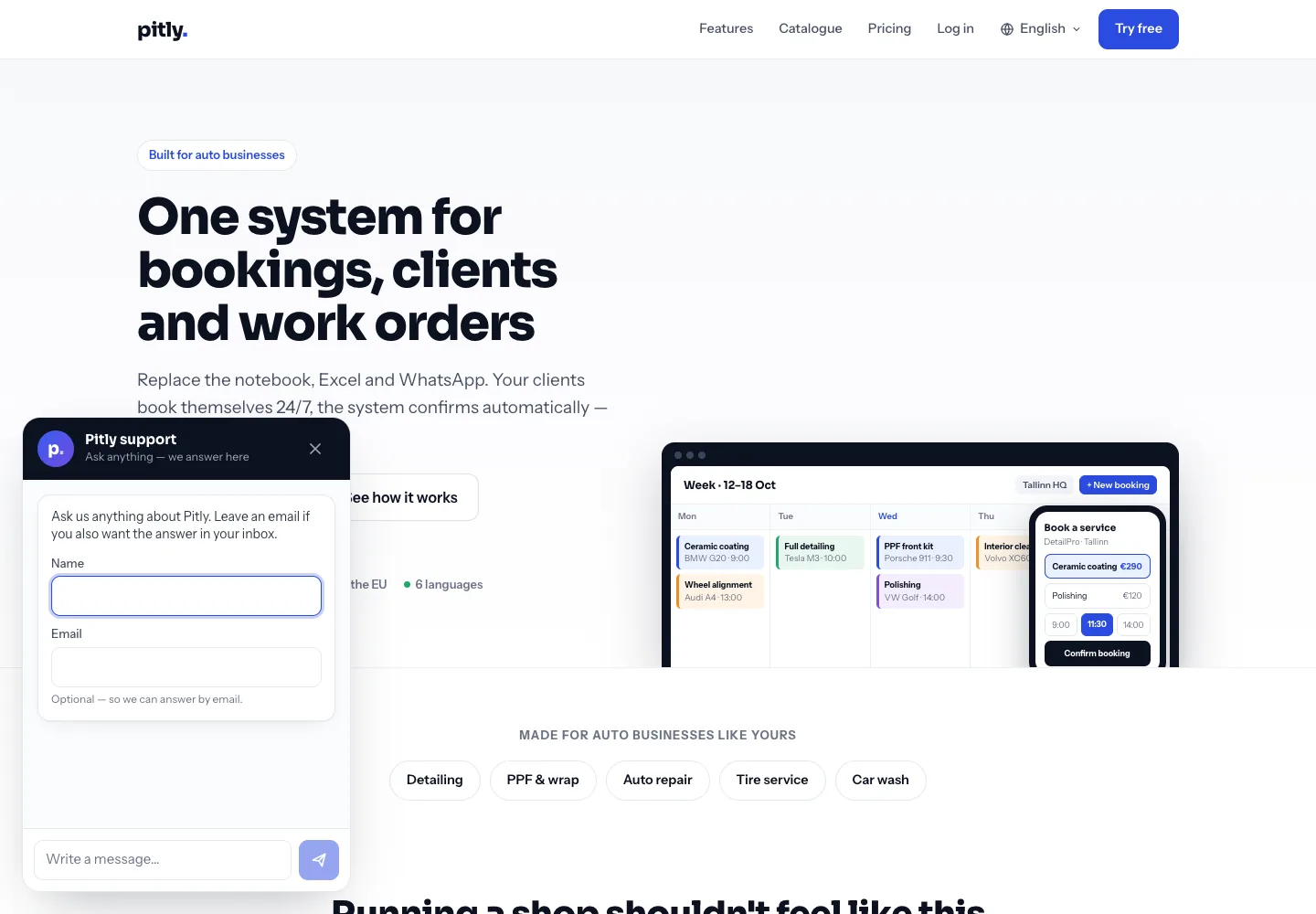
On the pitly.eu home page, bottom left — the round "Write to support" button. A visitor writes without registering; you can leave a name and an e-mail to get the reply by mail if you close the tab. The conversation lives in this browser.
When we answer
During working hours. Priority support is part of the Business plan.