Clients and cars
The client card, communication language, adding a car and searching the base.
In Pitly the main entity is the car: the service history belongs to it, and the client is its owner. So every car has a client, and every client has a list of cars.
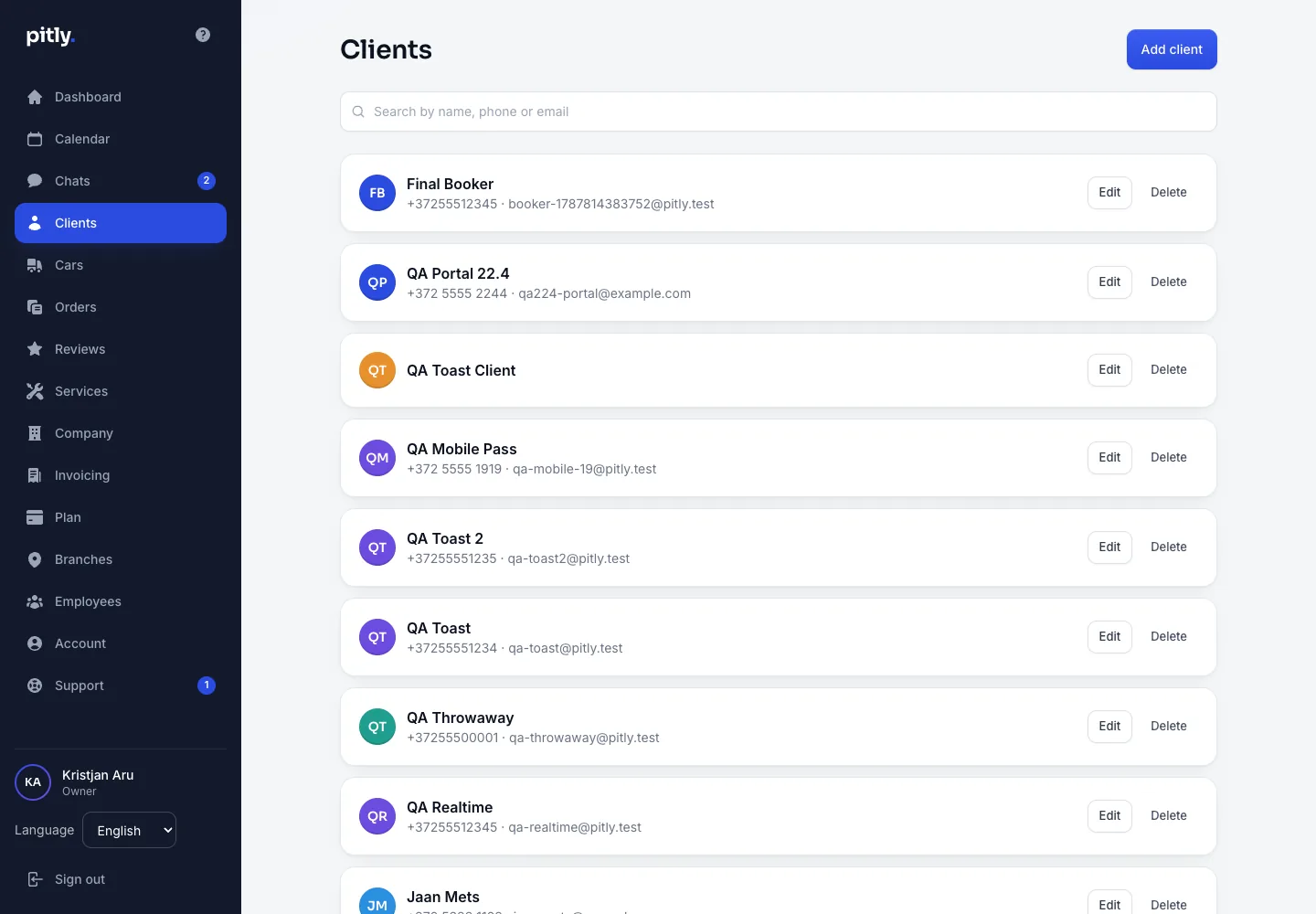
Client
Press "Add client" and fill in:
- Name, phone, e-mail — the e-mail is needed for e-mails and for signing in to the client account.
- Communication language — e-mails and PDFs use it. It is not the employee's interface language.
- Comments — what the client told about themselves.
- Internal notes — staff only.
The client card shows their cars, order history and the "Personal data" block (consent, data copy, erasure — see Data and GDPR).
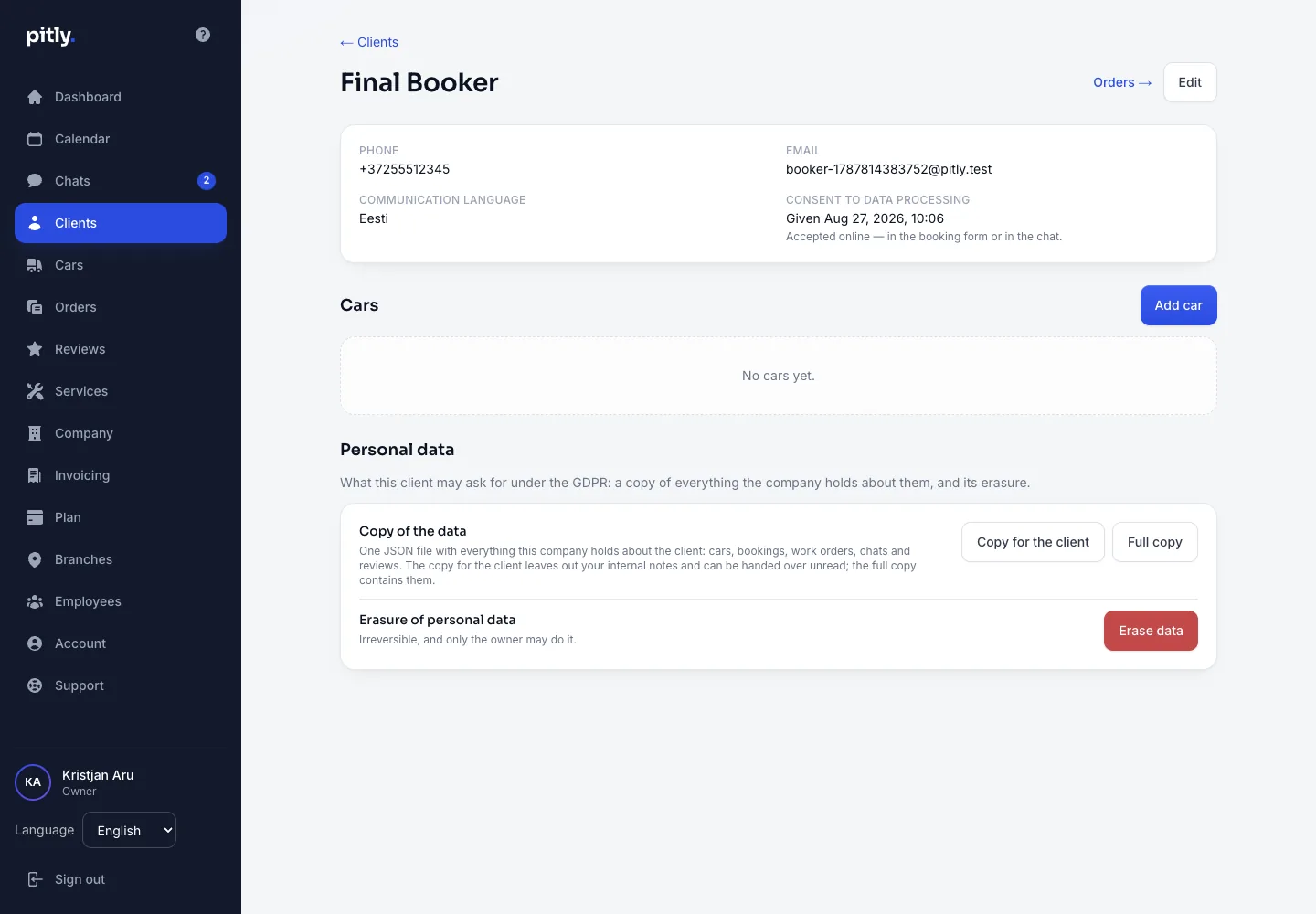
Car
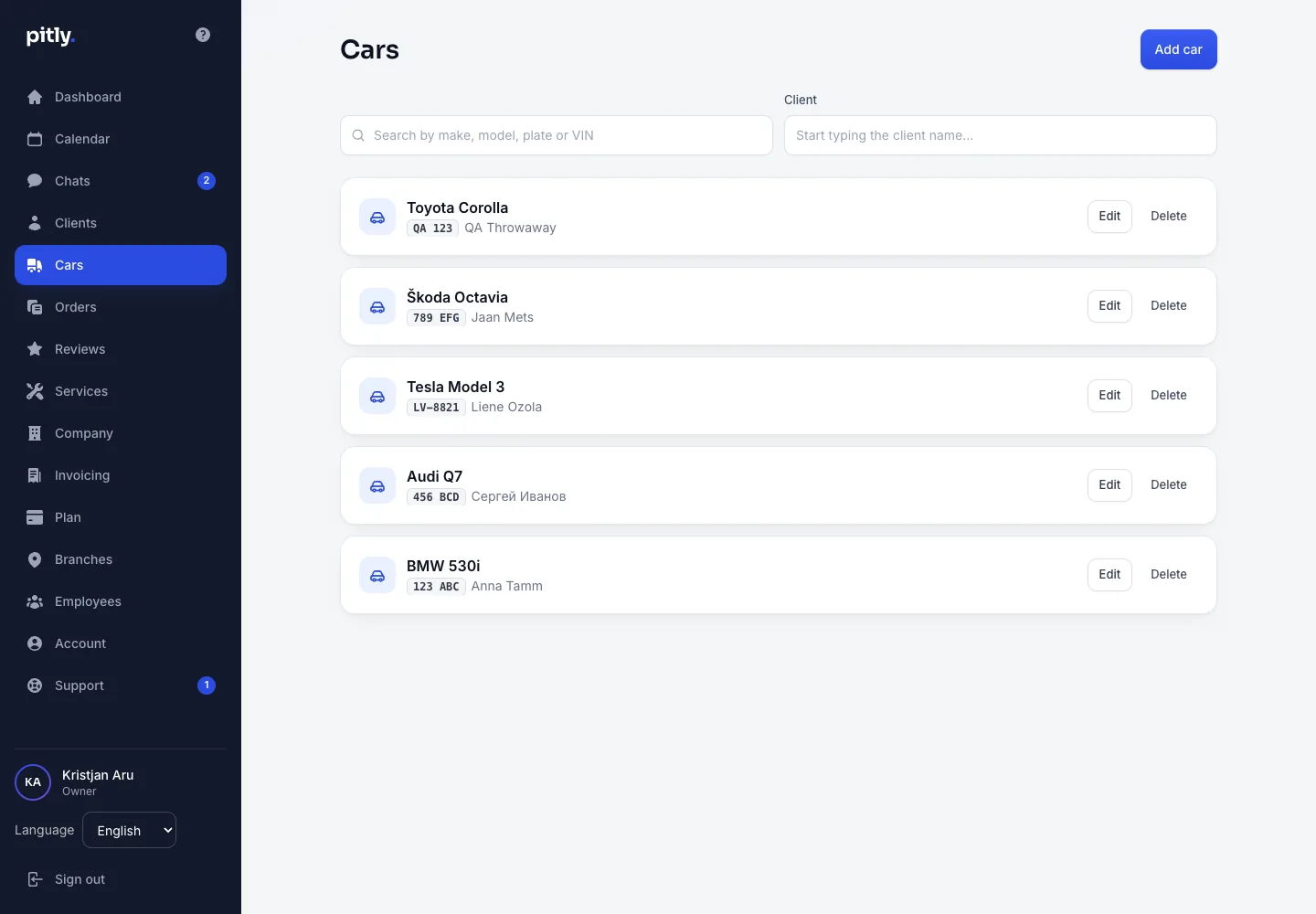
"Add car" in the client card or in the "Cars" section: client (search by name), make, model, generation, year, colour, plate, VIN (17 characters, no I, O or Q), mileage. Only make and model are required — the rest can be added after acceptance.
Deleting
A client with cars cannot be deleted — delete or reassign the cars first. Deleting a car erases its history. A client's "delete my data" request has its own procedure — Data deletion.