Signing in with a code
How a client enters the account without a password: e-mail, a one-time code from the letter, sign-in.
The client account needs no registration and no password. The service creates it by adding the client with an e-mail to its base. The client signs in with a one-time code.
How to sign in
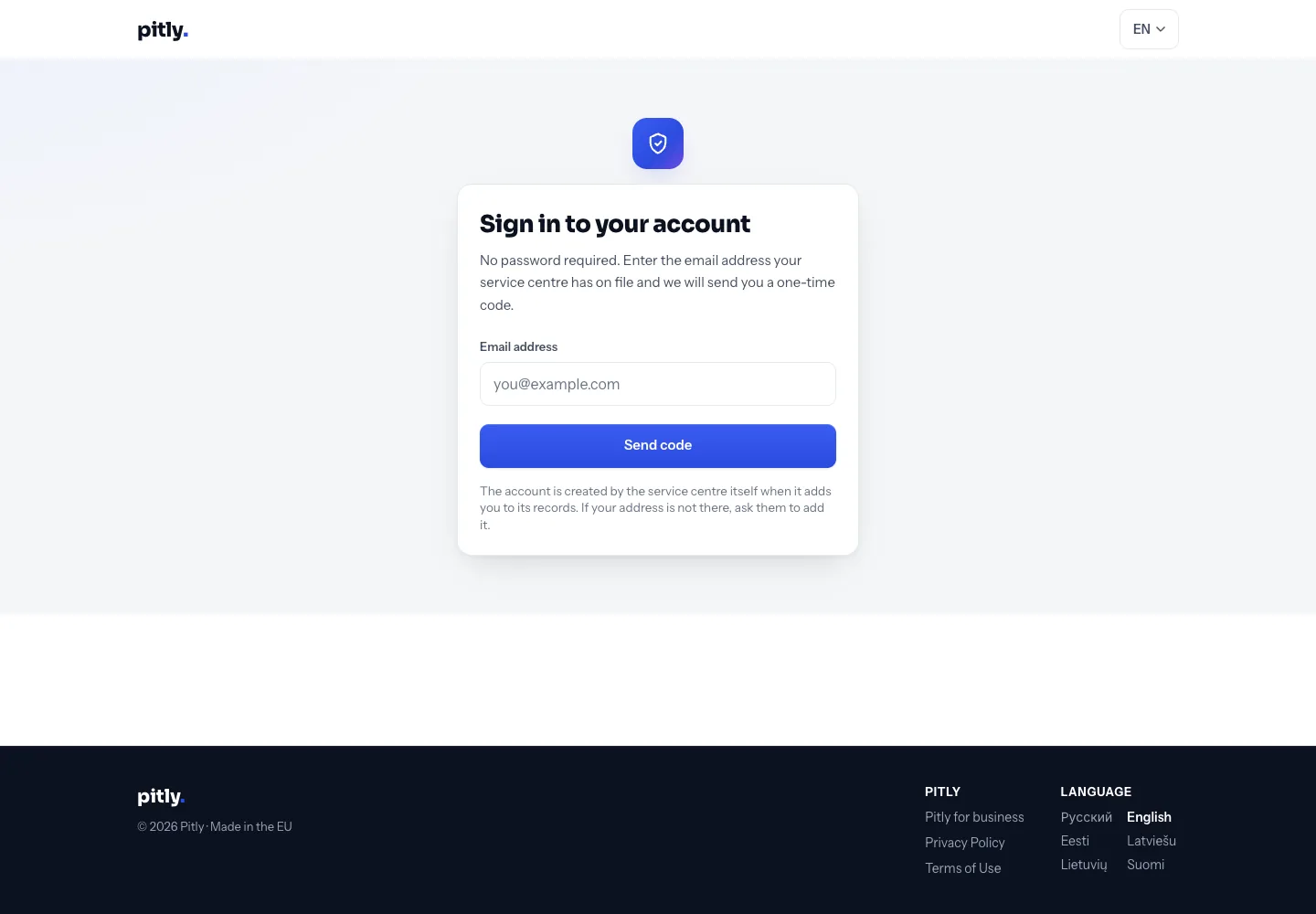
- Open the account sign-in page — every e-mail from the service and the public page header link to it.
- Enter the e-mail the service knows and press "Send code".
- Type the 6 digits from the letter — the code submits itself as soon as the last digit is in (the "Sign in" button stays as a fallback). The code is valid for 10 minutes; a new one can be requested after a minute, at most 5 codes per hour per address.
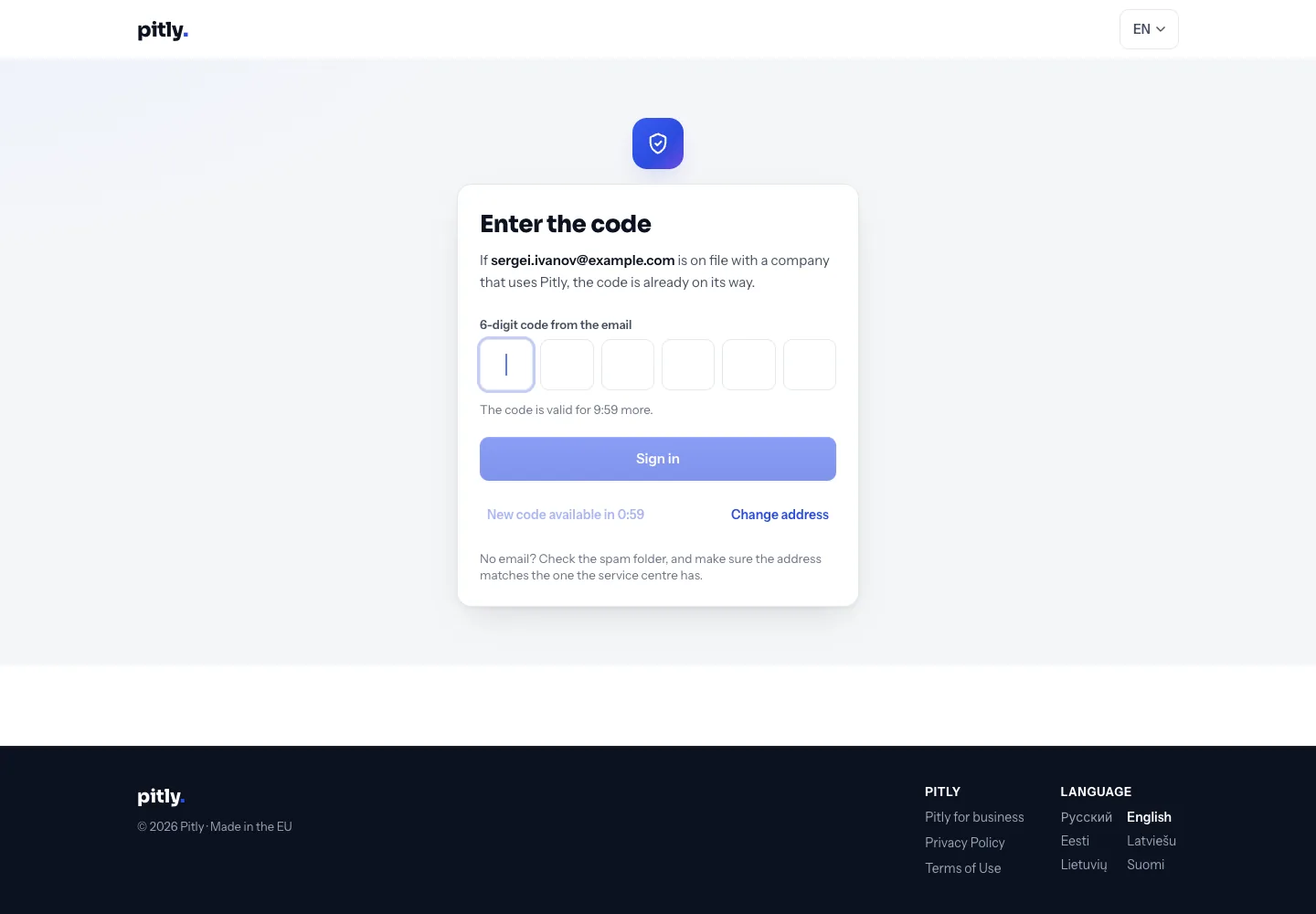
If no company has the address in its base, no letter comes — the screen deliberately does not say so. The client should ask the service to record their address.
What is visible after sign-in
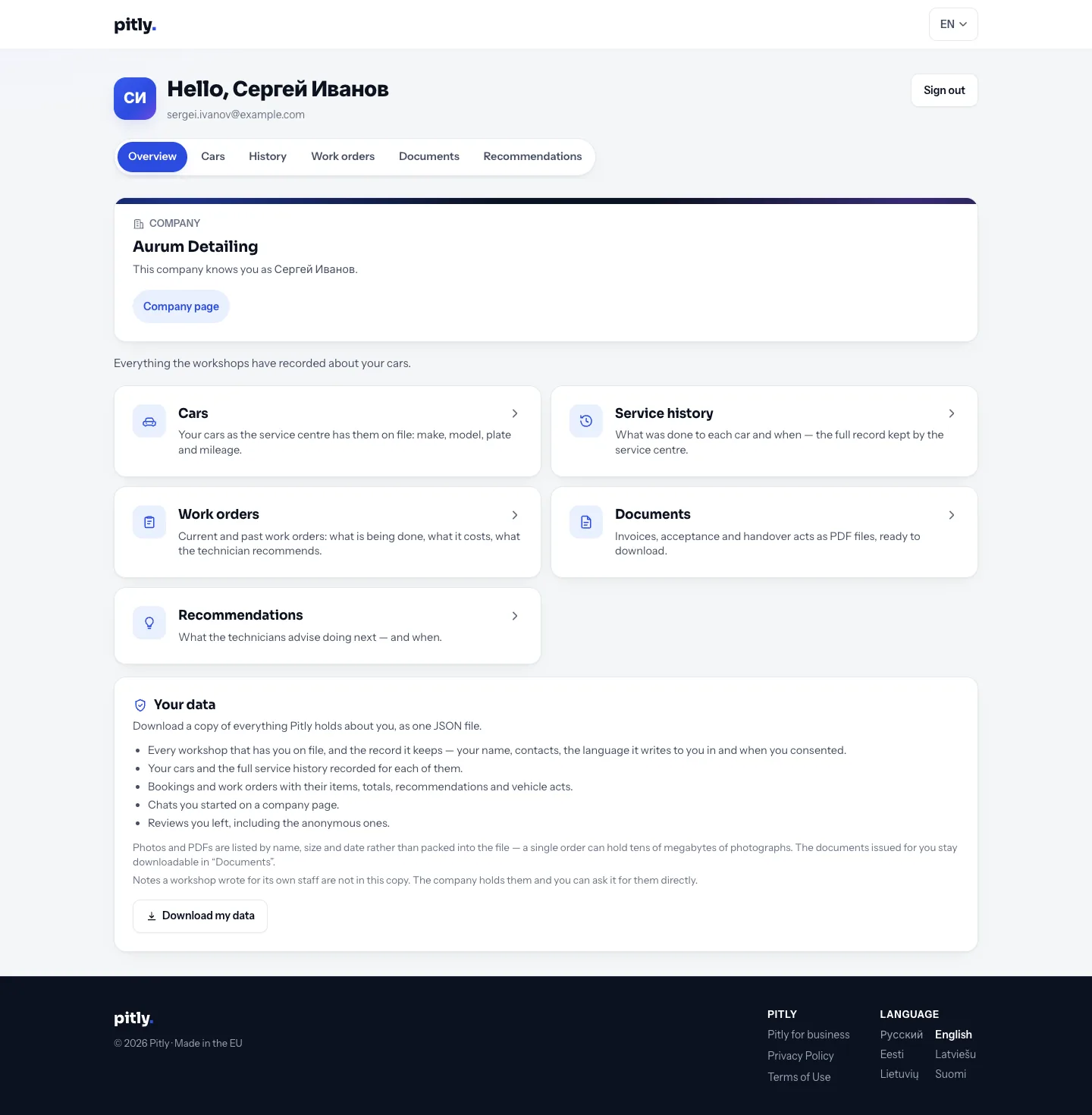
The account gathers data from all services on Pitly where this e-mail is recorded: every row names the company that made it. Sections — "Overview", "Cars", "History", "Work orders", "Documents", "Recommendations". The interface is in the client's language.