Onboarding: company setup in 7 steps
What the setup wizard asks after registration and which steps are required for the first booking.
After the e-mail is confirmed the "Setup" opens — seven steps from an empty account to a company that takes bookings. Steps are marked "Needed for bookings" or "Optional"; optional ones can be skipped and finished later.
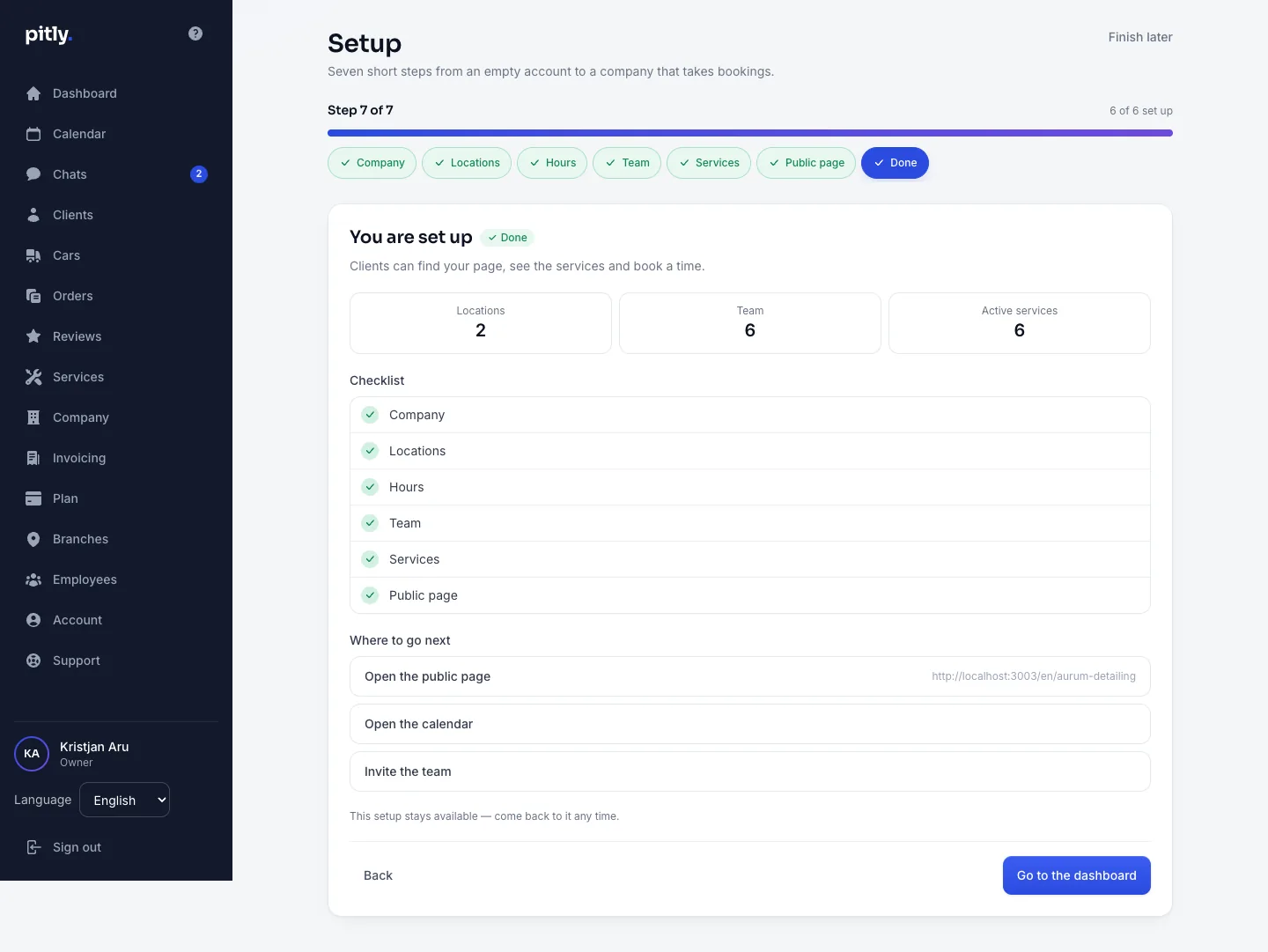
The steps
- About the company — name, description, contacts (phone or e-mail), website, logo link. Clients see this on the public page.
- Branches — the address clients come to. One branch is created with the account: give it a name and an address.
- Hours — per weekday, with intervals. Free slots for online booking are computed from them.
- Team — employees, roles and working hours. The invitation goes by e-mail; the person sets their own password.
- Services — what you do, with a price and a duration. Without services nobody can book.
- Public page — the page address (slug), languages and catalogue categories.
- Done — the public page link, ready to copy and send to clients.
Moving through it
- "Save and continue" saves the step and opens the next one; "Continue" just moves on, and "Skip for now" exists on optional steps only.
- "Finish later" returns to the dashboard. Unfinished steps stay on the home page in the "Let's get your company ready" block.
- The setup is for the owner. A manager or a master sees the "Setup belongs to the company owner" screen with a "Back to the dashboard" button instead — everything else in the dashboard is already available to them.