Chat with clients
The chat on the company's public page: how a visitor writes, how to reply from the dashboard and close conversations.
The public page has a chat with the company. A visitor writes without registering — to ask about prices, timing, free slots. Do not confuse it with the Pitly support chat: there you write to us, here clients write to you.
How a visitor writes
The "Chat with the company" button at the bottom of the page opens a window. The first message can be sent with a name and an e-mail (optional — so you can reach them if the chat closes). The conversation lives in the visitor's browser; the company's reply shows up there with a notification.
How to reply
The "Chats" section of the dashboard: the conversation list on the left ("Open / Closed / All conversations" filter), the thread on the right. The badge on the menu item counts unread messages; a new message pops up as a notification right in the dashboard.
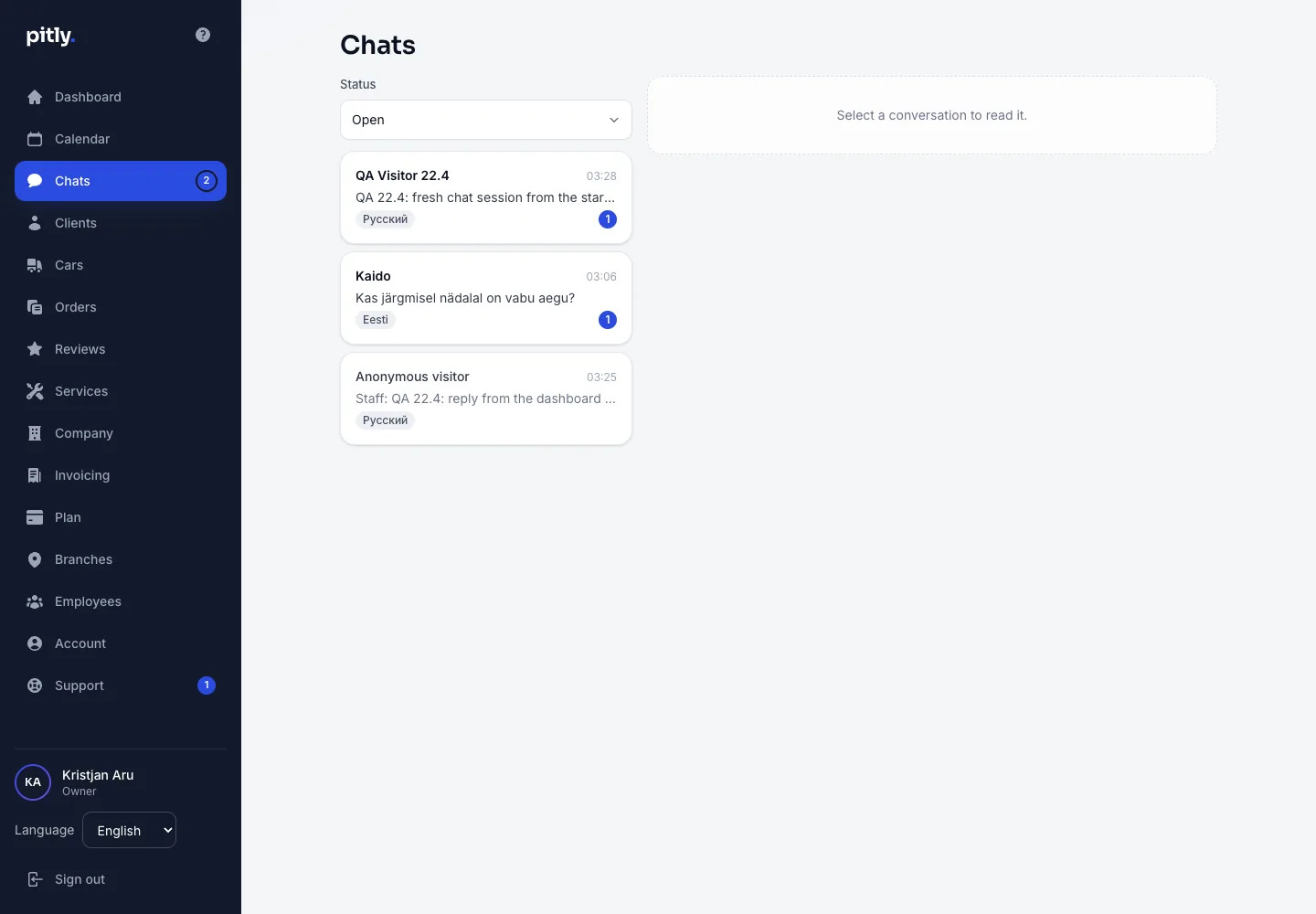
- Open a conversation. At the top — the language the visitor writes in: reply in it.
- Write the reply and press "Send" (Enter sends, Shift+Enter adds a line).
- When the question is settled, press "Close conversation". A new message from the visitor or your reply reopens it.
The owner and managers can reply.