Services and categories
The company's price list: price, duration, translated names and descriptions, catalogue categories.
Services are the company's price list. Bookings and orders are built from it, and it is shown on the public page and in the catalogue.
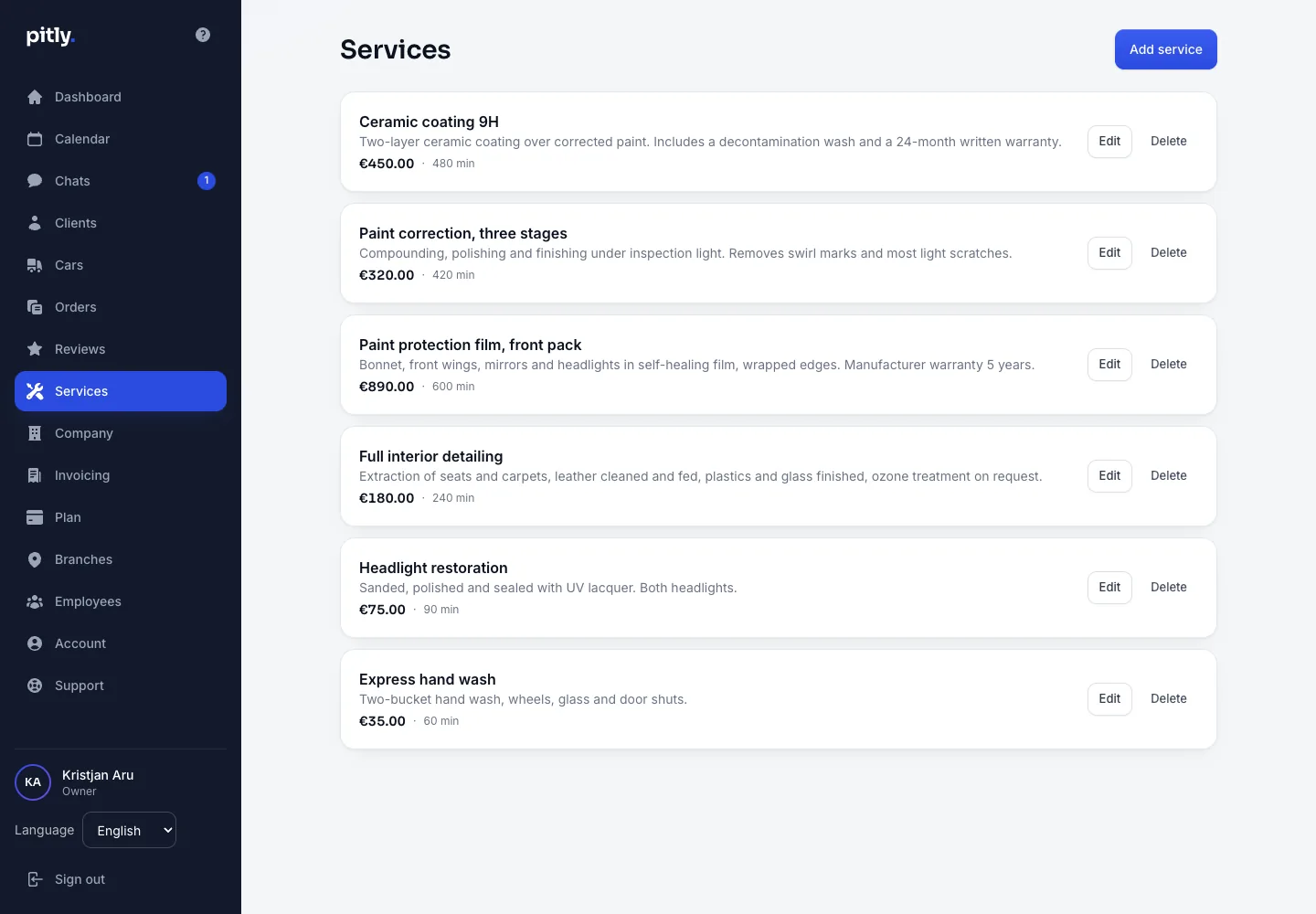
Adding a service
- Open "Services" and press "Add service".
- Set the price in euro and the duration in minutes — free slots are computed from the duration.
- Fill in the name and description per language. The tabs are the languages the "Company" section publishes the public page in, not all six: there is no reason to write translations nobody will read. At least one language is needed; fill in all of them — otherwise the visitor sees the company's language with a notice. If a service still has a translation in a language the company no longer publishes, that tab stays, so the text is not stranded.
- Sort order — smaller numbers go higher. Active — untick to hide the service from the public page without deleting it.
Catalogue categories
There are seven categories: detailing, PPF and wrapping, car service, tyre service, car wash, tuning, auto electrics, diagnostics. They are the facets of the catalogue: visitors filter companies by them. Tick yours in the "Company" section, "Public page" block. A company without categories is not found through the catalogue filter.
There are no separate "PPF" and "Wrapping" categories any more: in the Baltics the studio that lays film is the studio that polishes and coats, and three boxes split one workshop across three filters. Whoever ticked them before is now ticked as detailing — nothing to do.
Deleting
A deleted service disappears from the price list and the public page; in old orders the line stays marked "service deleted", and bookings with it can no longer be rescheduled.