Documents in the account
Where the client finds work orders, invoices and acts as PDFs and in which language they are issued.
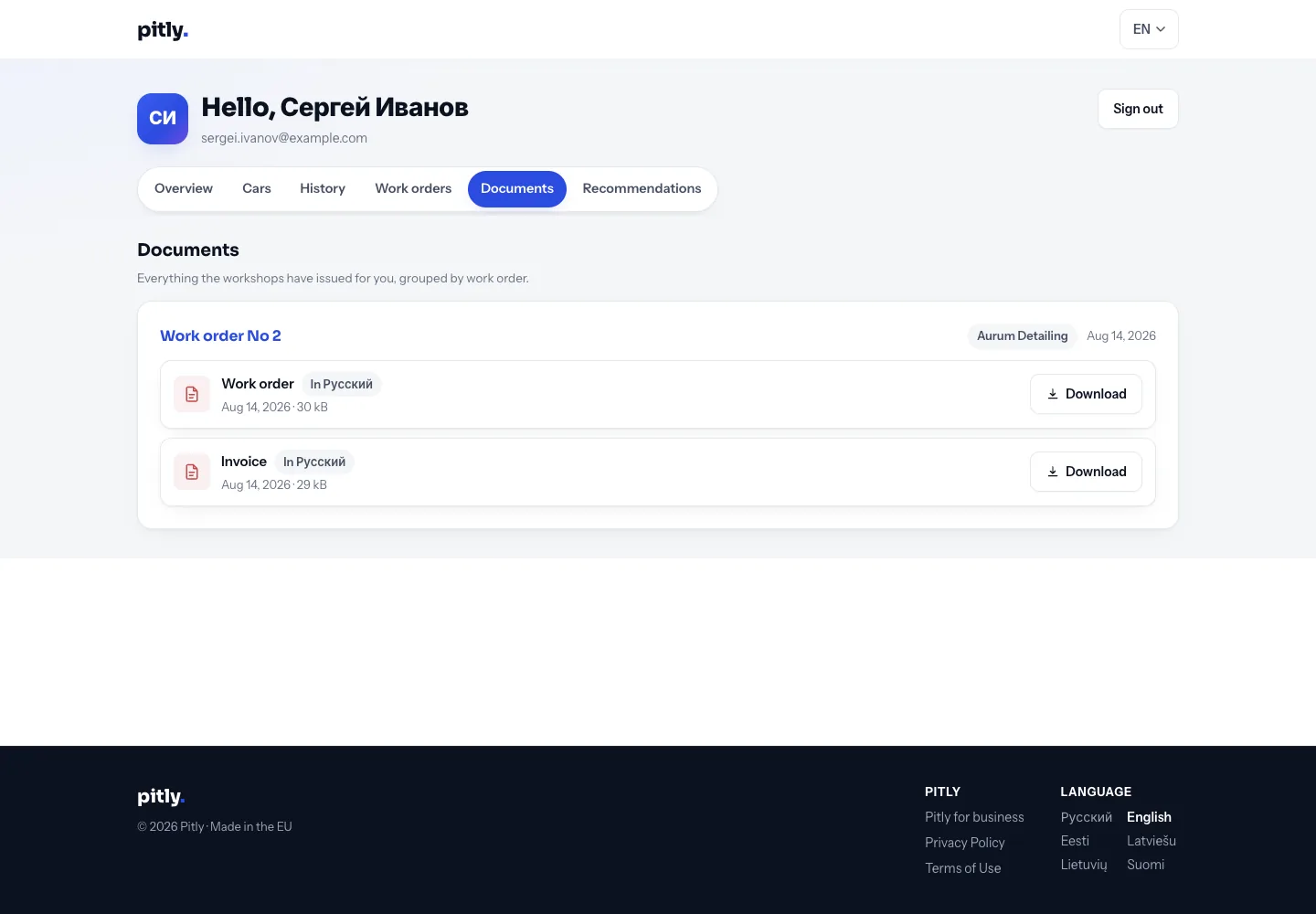
Every PDF the service issued for an order is visible to the client in the account — in the "Documents" section and in each order's card.
Which documents
- Work order and invoice — after the work is done ("Ready" status and later).
- Acceptance act and handover act — if the service keeps acts.
The language of a document is chosen by the service in its own settings: usually the official language of the country it files in — work orders and invoices are filed and read by an accountant. Some services leave it as the client's communication language: the document is then printed in the language recorded on the client card (or chosen by the client at online booking). Every document in the list says which language it was issued in. They download via the "Download" button.
If a document is missing
A document appears in the account only after an employee has issued it in the order — see PDF documents. If the client cannot find an invoice, it most likely has not been issued yet: ask the service.
Documents issued again (after the order changed) replace the previous ones.