Photos
"Before", "after" and extra photos in an order; company photos for the public page.
Pitly has two kinds of photos: order photos (the car's condition) and company photos (the showcase on the public page and in the catalogue).
Photos in an order
The order card has a "Photos" block. Press "Add photo", choose the files and the type:
- Before — the car at acceptance;
- After — the result;
- Extra — everything else: damage, details, receipts.
Photos are kept in the order; the client sees them in their account. A master can add photos too — it is one of their main tasks. Deletion is irreversible.
Company photos
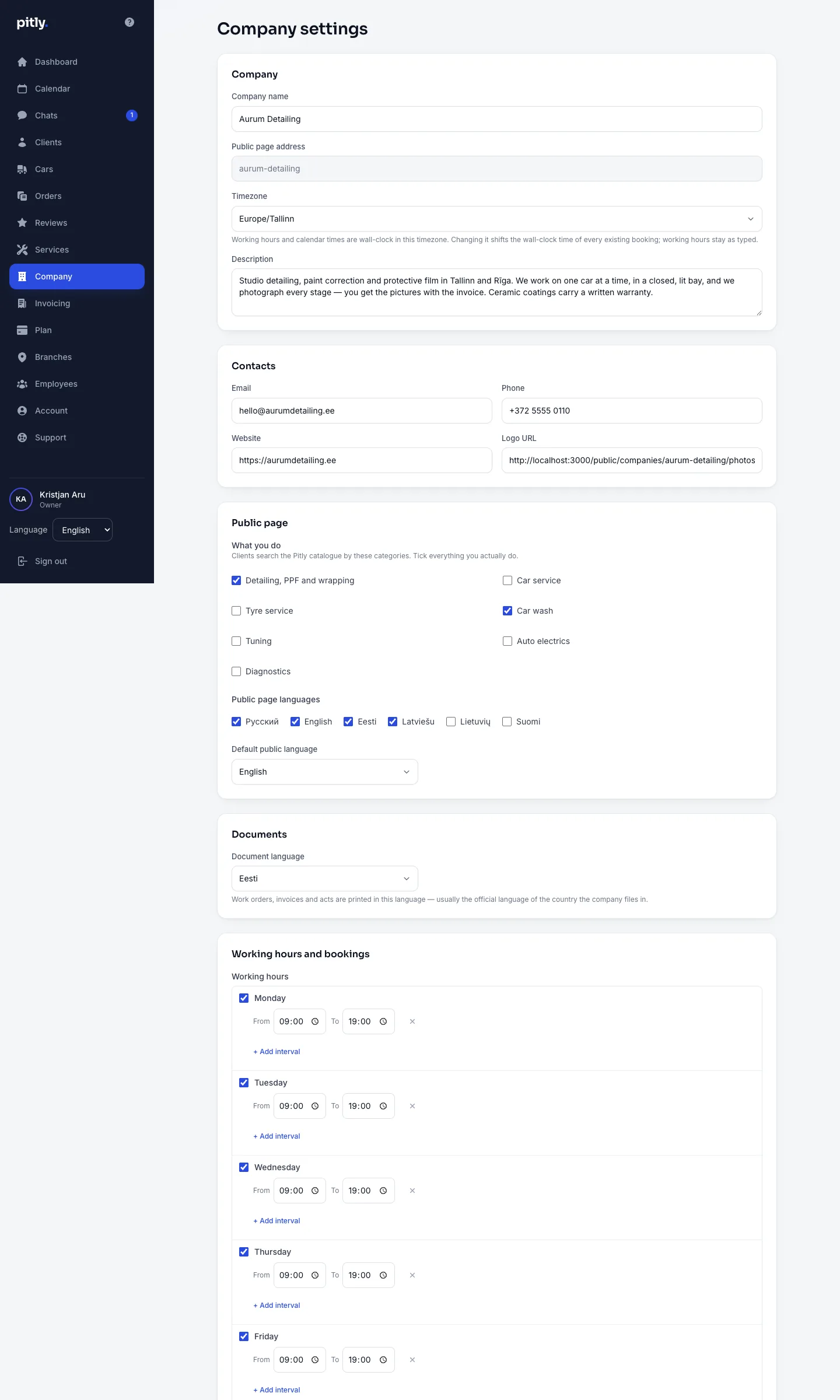
In the "Company" section, "Photos" block: several pictures of the shop and its work. The first photo is the cover of the catalogue card; reorder by dragging or with the arrows. Each photo can get a description (alt) in the public page languages — search engines and screen readers use it.
Formats
JPEG, PNG or WebP, up to 15 MB each. HEIC from an iPhone is not accepted — most browsers cannot display it. Switch the camera format in the phone settings to "Most compatible" and the phone will shoot JPEG.